 by
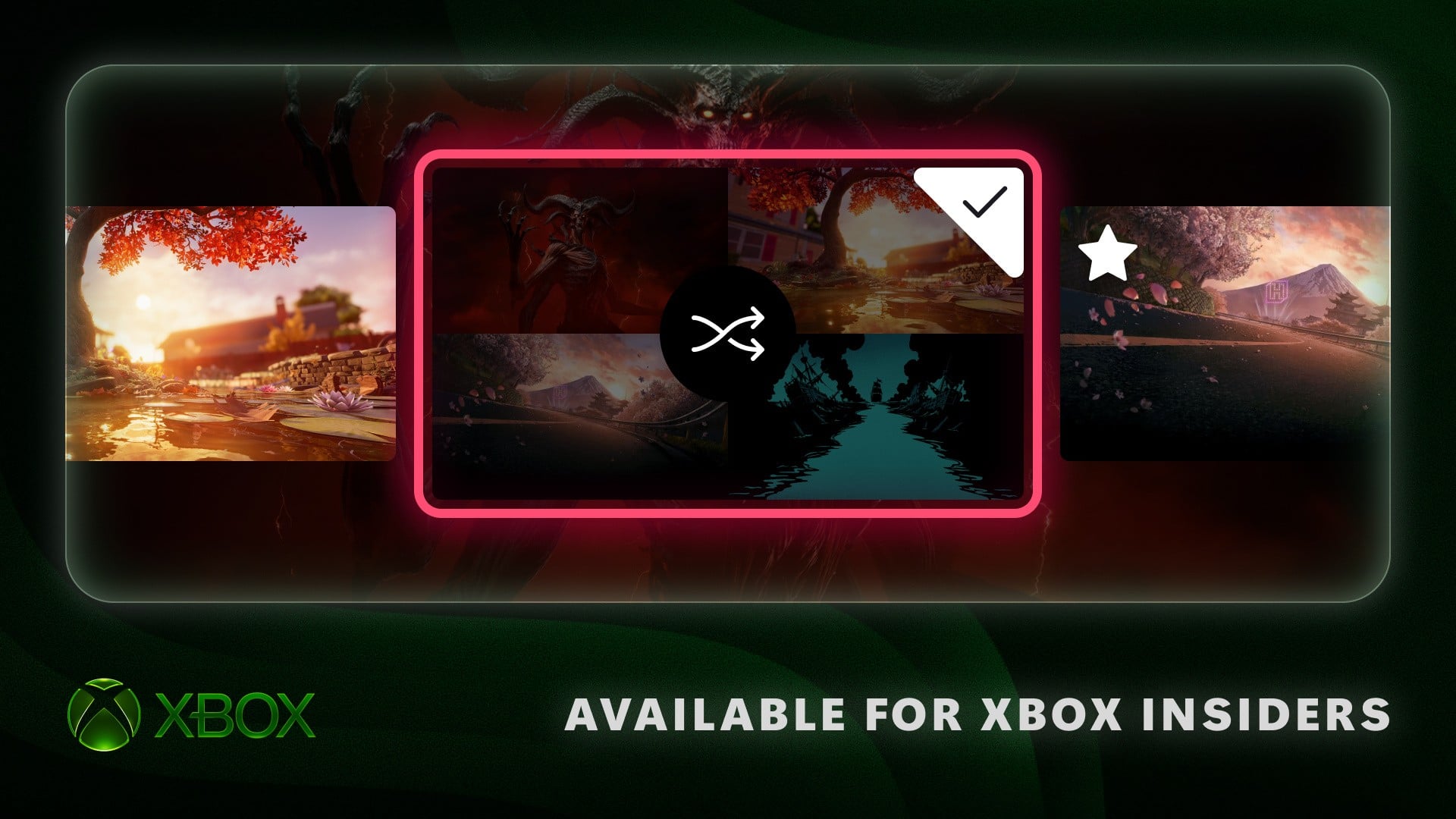
The announcements are coming thick and fast today! This latest one is for Xbox Insiders, and it concerns three new console features that are rolling out now to members of the Alpha Skip-Ahead tier (with more tiers followed by a public release in the future).
Arguably the most notable one is the ability to rotate dynamic backgrounds - this means can turn on the "Shuffle" feature to display different backgrounds on a hourly, daily or weekly basis. You can also now organise your Xbox Disc to Digital titles more effectively, while there's even the ability to move the Xbox guide over to the right!
Let's take a look at all three features, and you can let us know what you think of them in the comments.
1. Shuffle And Favourite Your Dynamic Backgrounds
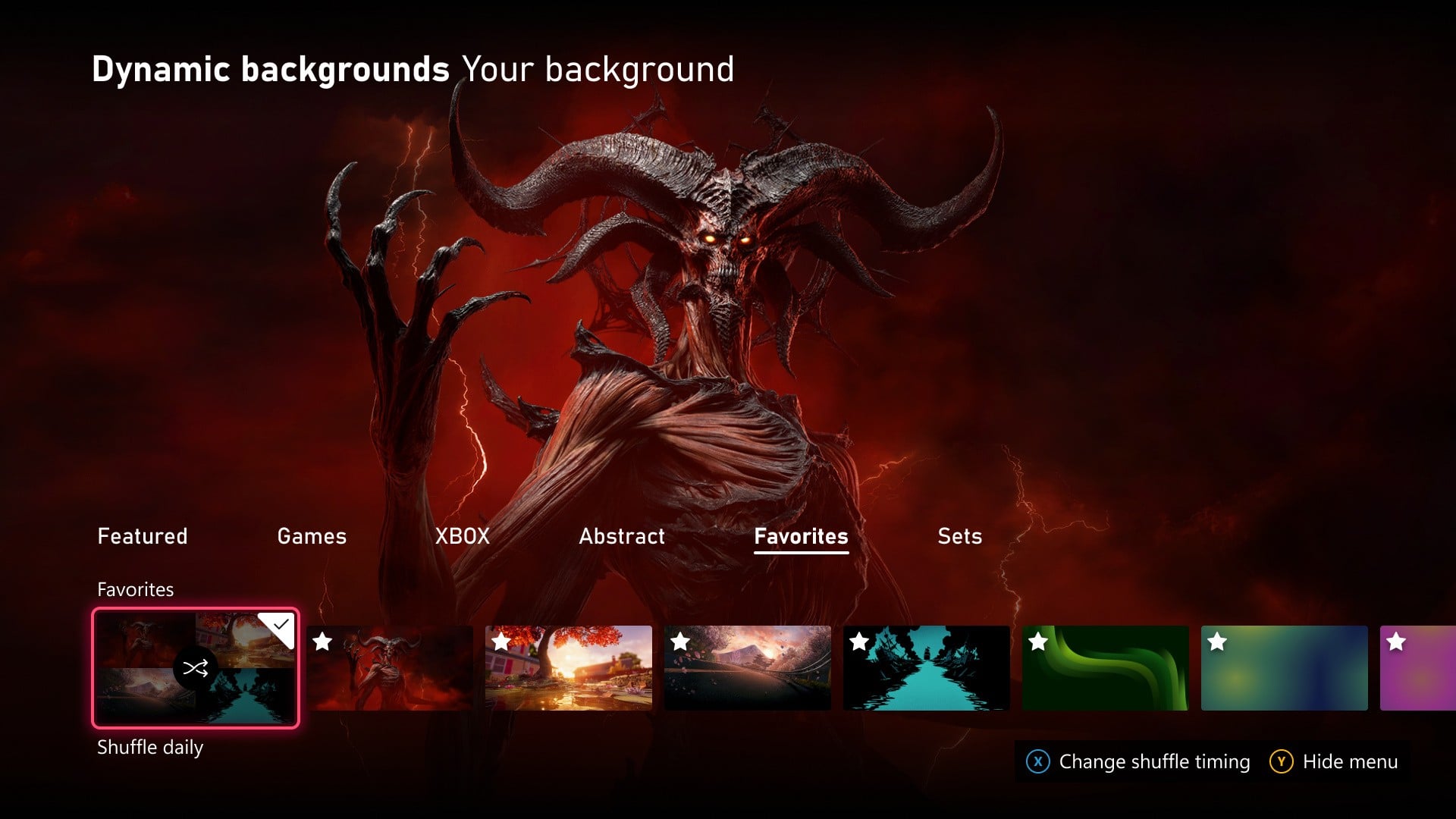
To save a favorite, go to Settings > General > Personalization > My background > Dynamic backgrounds > Dynamic backgrounds, choose a background, and press X. You’ll find it in the new Favorites category. Pro tip: If you have a controller with an exclusive background, like the XBOX Wireless Controller X25 Special Edition, saving that background as a favorite lets you use it even when the controller isn’t connected!
You can also choose Shuffle at the start of any background category. Have your background change each time you sign in, or set it to change hourly, daily, or weekly. Shuffle your favorites or explore a whole category, it’s an easy way to keep Home feeling fresh.
2. More Control Over Viewing Your Disc To Digital Games
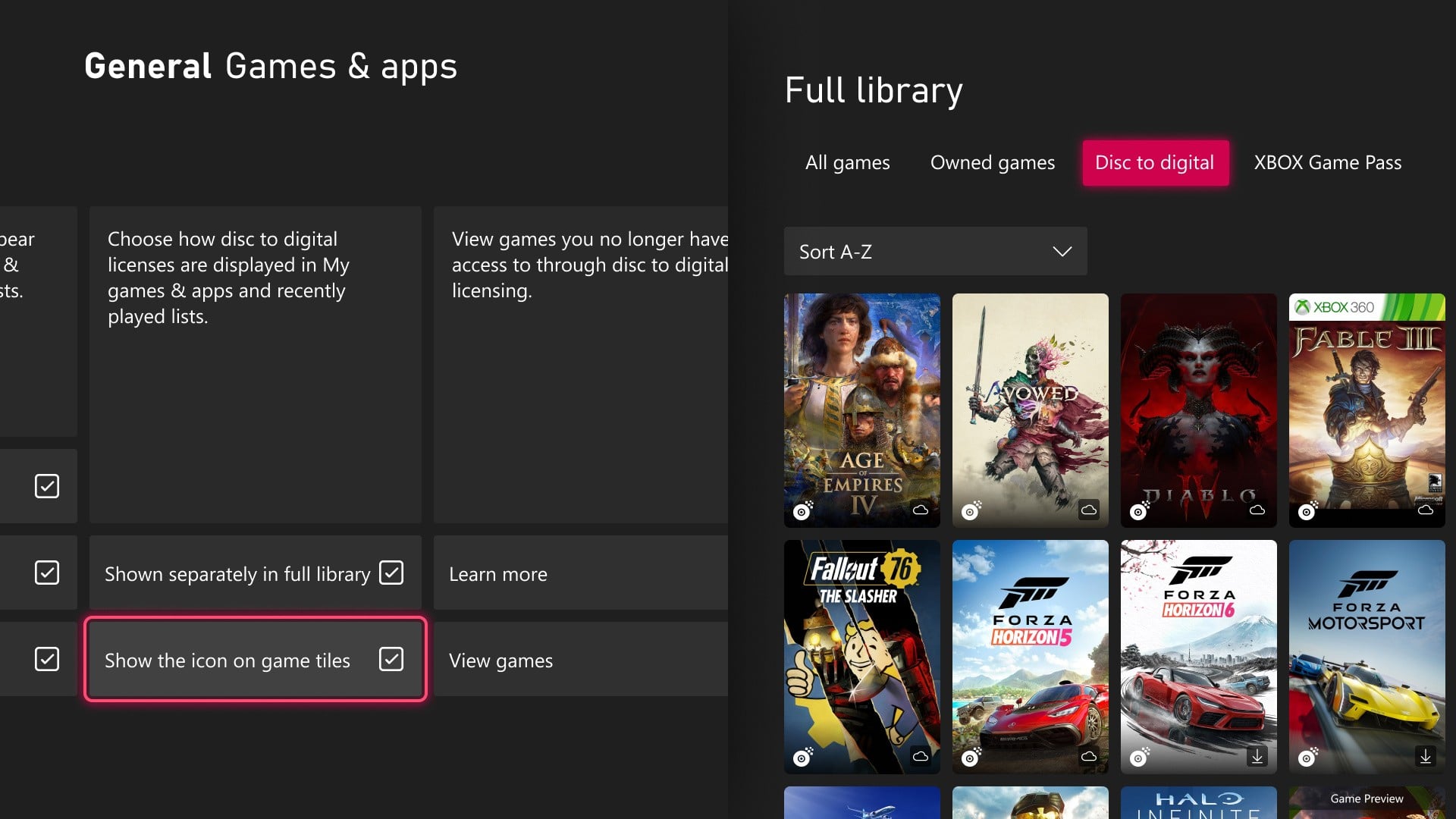
Starting today, XBOX Insiders who’ve claimed a digital license from a disc-based games will see those games in a separate category in their full library. Prefer to keep them alongside your other owned games? You can switch back in Settings > General > Personalization > Games & apps. From that same page, you can also hide the digital license icon on game tiles.
3. Move The Xbox Guide To The Right-Hand Side
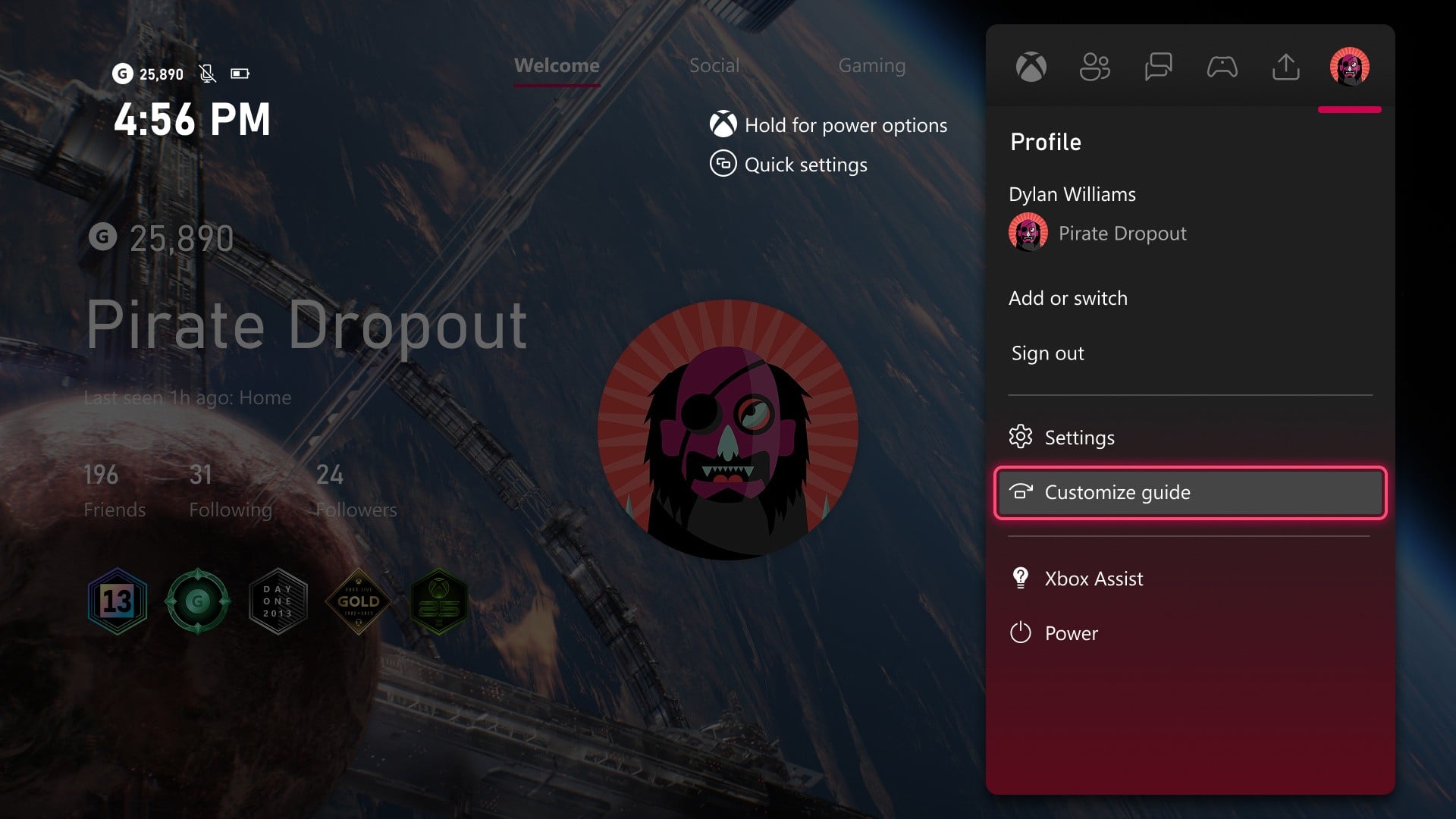
Prefer the guide on the right? Now you can put it there. XBOX Insiders can choose whether the Guide opens on the left or right side of the screen to switch up how you navigate XBOX. Pick your side in Settings > General > Personalization > Guide. Tell us if you’re team left or team right.